Litbuy
Spreadsheet

A closer look at your next find.

Have a photo? Search by image
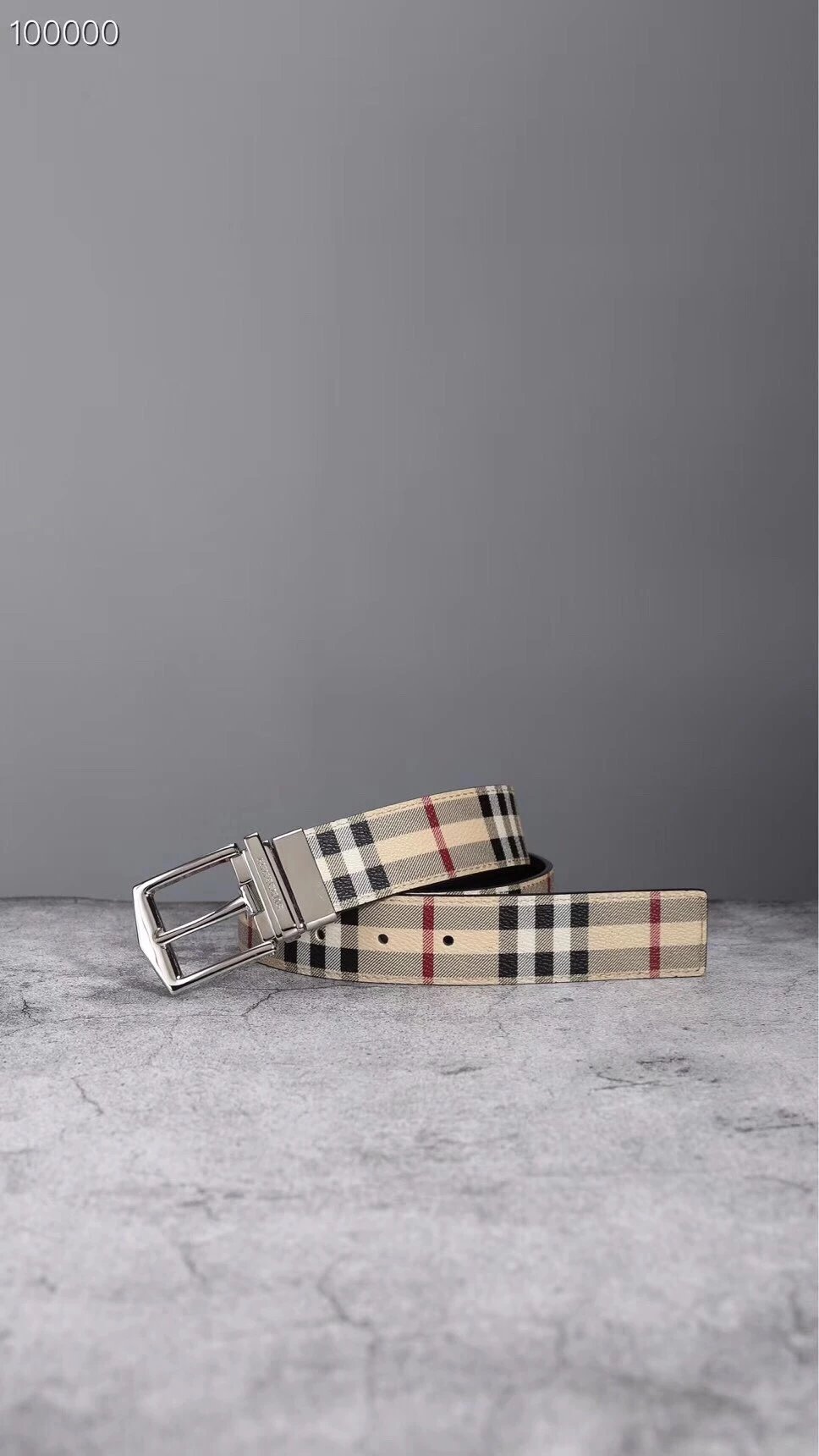
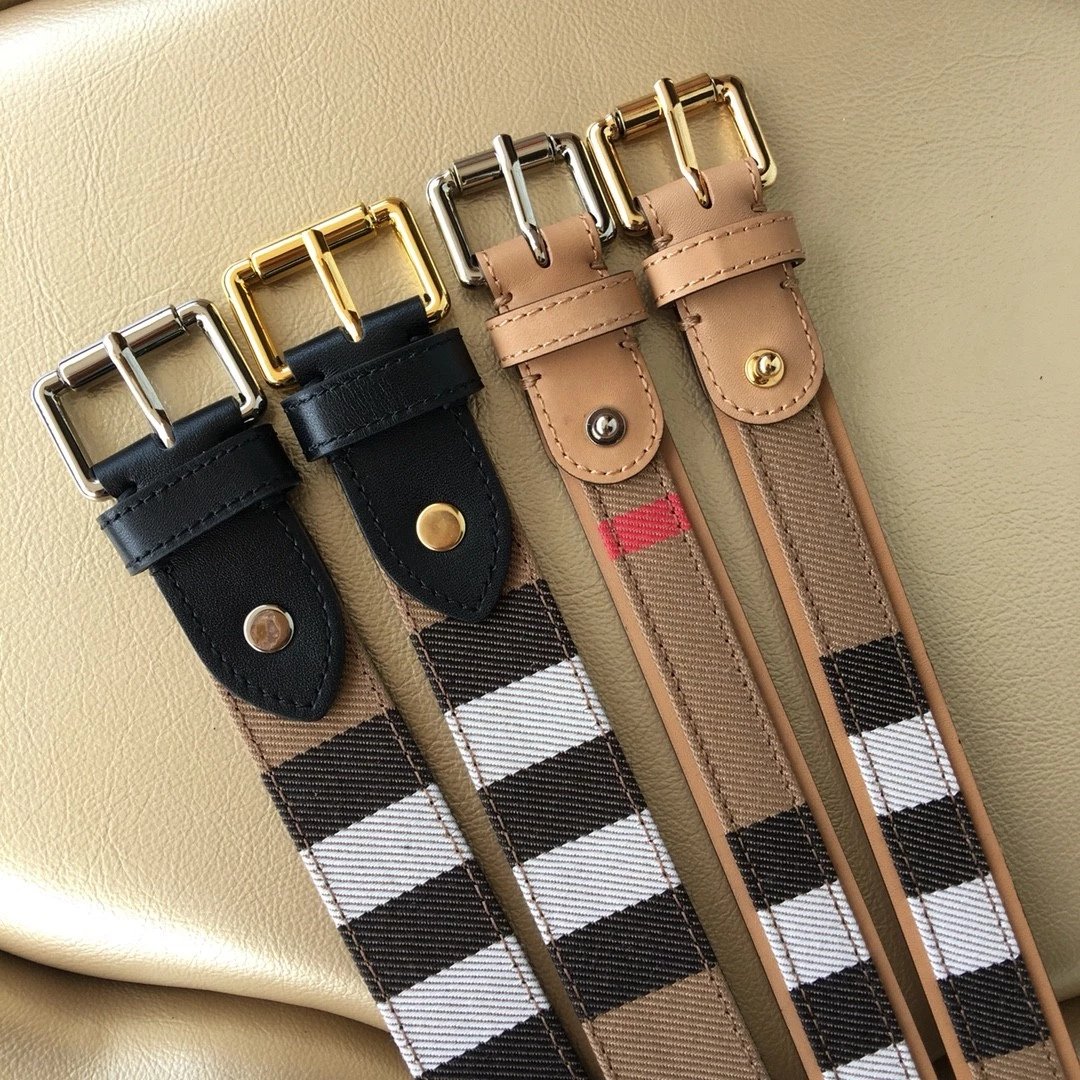
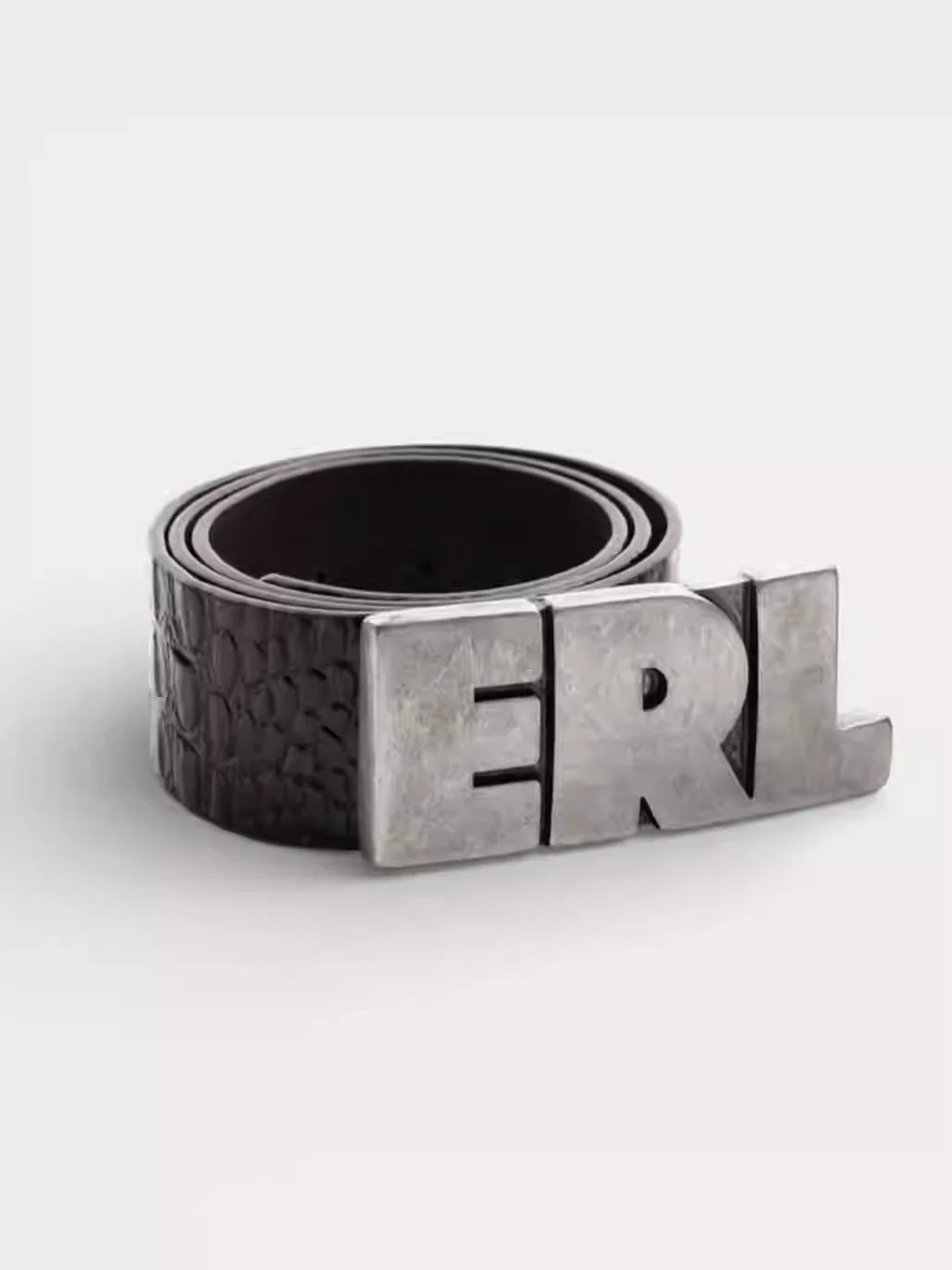
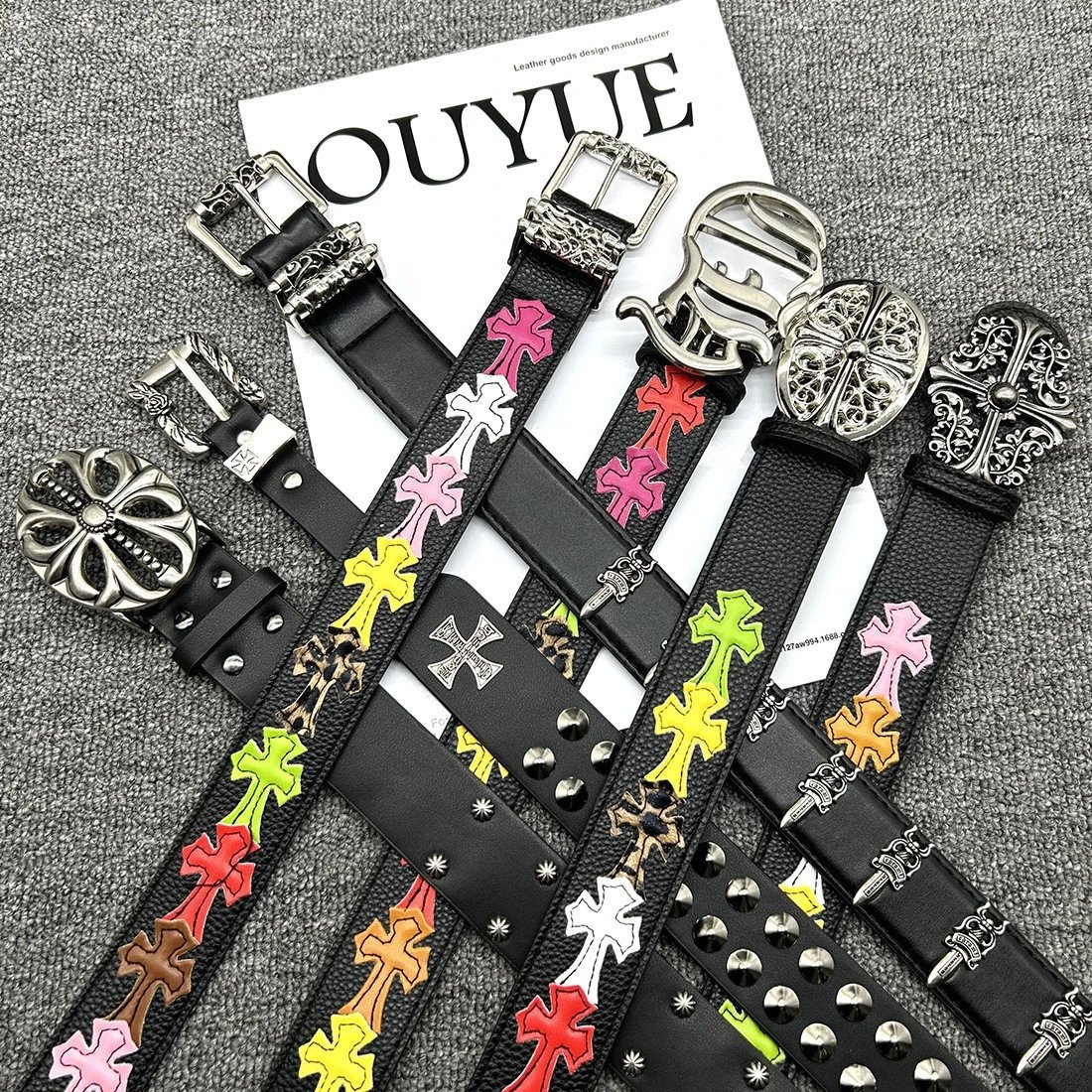
Reversible Checkered Leather Belt

Reversible Checkered Leather Belt

$46.86
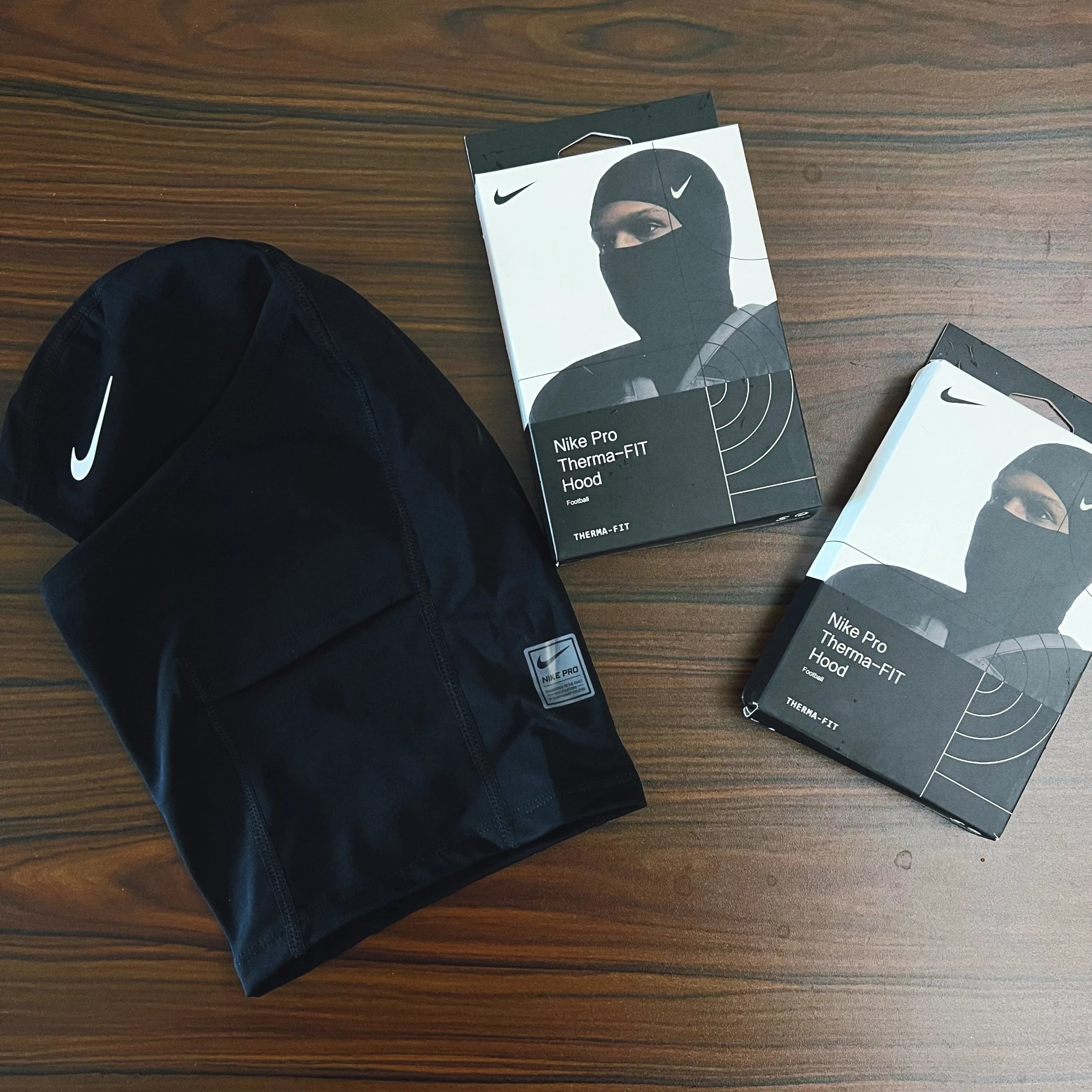
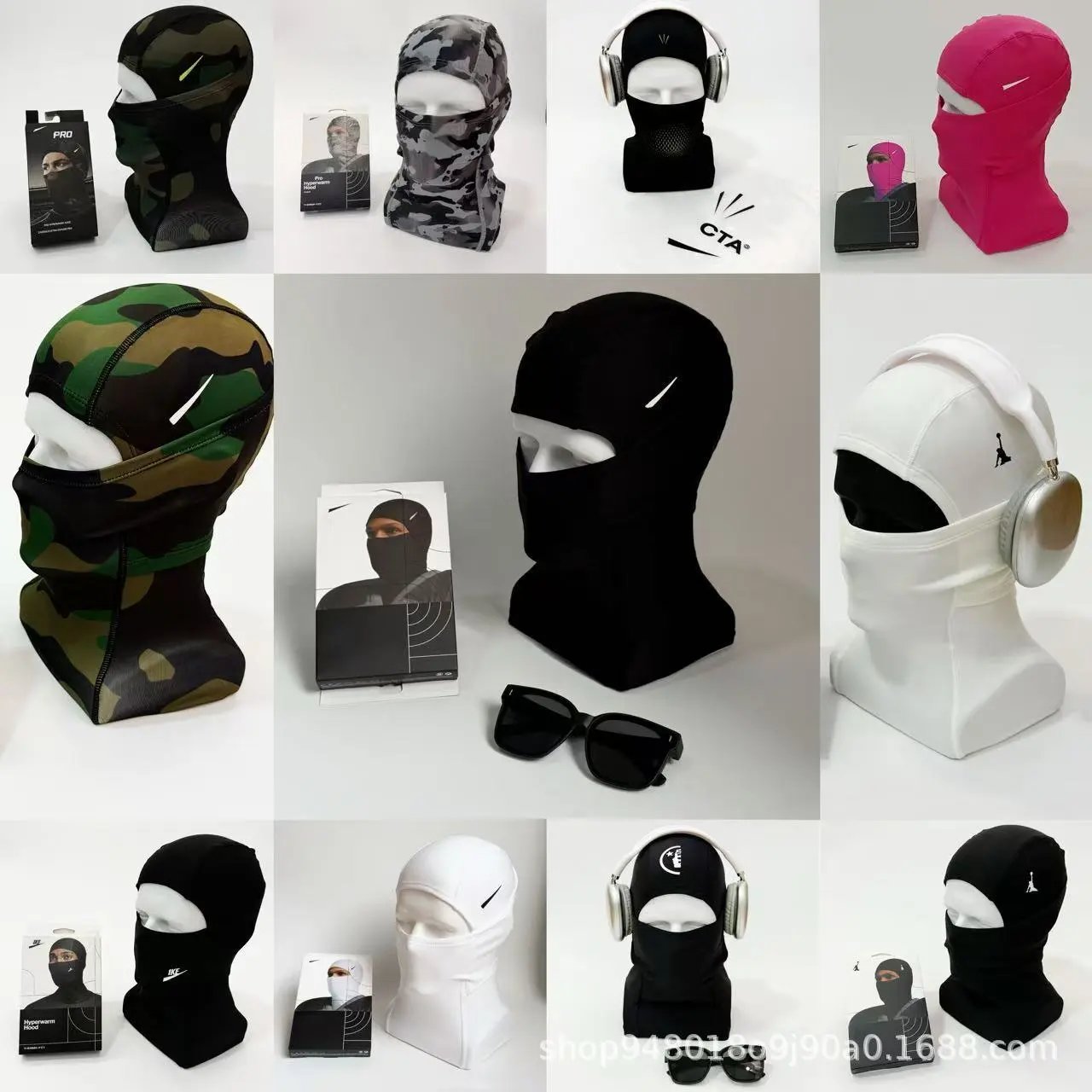
Nike Pro Therma-Fit Hood

Nike Pro Therma-Fit Hood

$15.58

Latest finds

Explore the spreadsheet

Choose a department

View all Categories

A little help before you go

Find an item

How do I use Litbuy Select?

Start with a product name, a category or a clear reference photo. Compare the source listing and available QC pictures, then open the matching item on Litbuy. This independent spreadsheet helps you research products; registration and checkout take place on Litbuy.

Can I search without knowing the product name?

Use image search with a screenshot or product photo. Keep one clear subject in the frame. Similar results are a starting point: check the source item and pictures before assuming two results are identical.

How do I narrow the spreadsheet?

Choose a main category and brand, or change the sorting order. Filters take effect immediately. Category pages also link to more specific types, such as sneakers or hoodies. Pagination keeps your current search and filter choices.

What should I compare before opening Litbuy?

Check the source item ID, product photographs and pictured styles. Look at available QC separately. Titles and pictures can resemble each other across sellers; an exact source link is more useful than a matching name alone.

Compare the pictures

What are the QC pictures on an item page?

These are existing reference photographs associated with the source item. They are separate from seller images and do not represent an inspection of your future order. Open a picture to inspect it at full size.

Why is QC sometimes missing?

Some source items have no available QC references. The page indicates this and keeps seller photographs separate. Missing QC does not establish whether an item is good, in stock or orderable.

Does clicking a style choose my order options?

Style thumbnails change the photo preview only. They do not reserve stock or select a purchasable option. Confirm the exact colour, size, quantity and current price on Litbuy before placing an order.

How do the Weidian links work?

The supported route is litbuy.com/product/weidian/{source item ID}?linkSearch=true. For example, source ID 7342784466 remains 7342784466 in that path. This site adds inviteCode=7N6D4Y6EE and only generates the button when the original Weidian URL and numeric item ID agree.

Continue on Litbuy

Why are prices shown in dollars?

USD is the initial display currency. Use the header to choose another currency for comparison. Displayed reference prices can differ from the current listing or the option you choose on Litbuy; verify that price there.

What does the copy button save?

It copies the complete original source URL, including the source item ID. Use that link to compare the seller listing. A success message appears only after the browser reports a successful copy.

Where does the registration button lead?

It opens https://litbuy.com/register?inviteCode=7N6D4Y6EE. Check the official domain before entering account information. This spreadsheet does not collect your Litbuy password or process your order.

Is Litbuy Select an official Litbuy website?

Litbuy Select is an independent product guide with affiliate links. Eligible activity through these links may earn this site a commission. This does not establish official endorsement, a discount, product availability or a quality guarantee.